3 ways to sell more printable art (and post your listings faster)
Photoshop for crops, Topaz for upscaling, Kittl or Canva for mockups, ChatGPT for copy. Four subscriptions and 1-2 hours per listing, before you have listed a single new design this month.
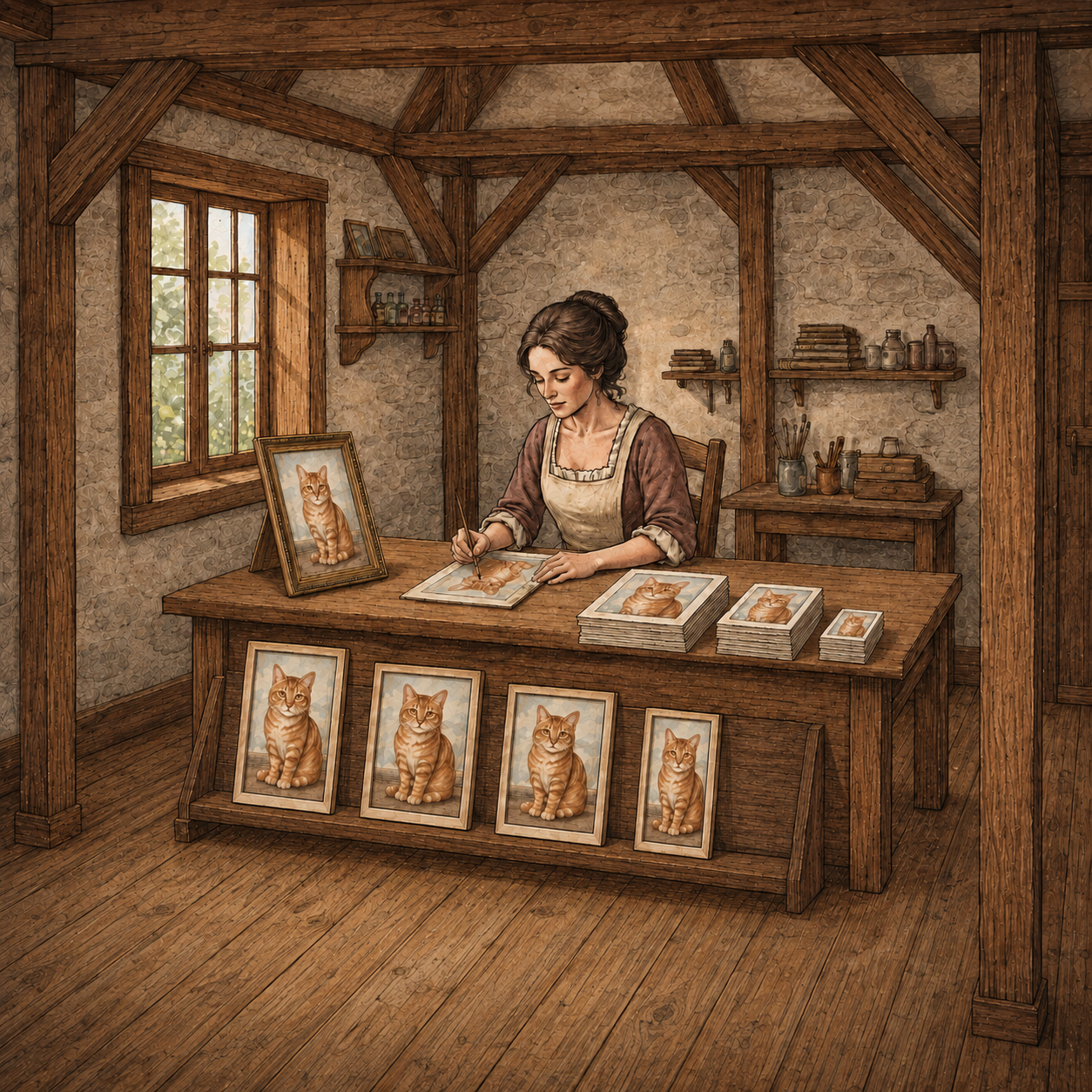
Add up what a new listing actually costs you before a single sale comes in, and the number is bigger than any one subscription bill.
The four tools, and what each one does
A typical printable-art prep workflow looks like this: Photoshop to crop and resize the file for each ratio, Topaz to upscale it to a printable resolution, and Kittl or Canva to build room mockups for the listing photos. Then comes the part with no dedicated tool at all: staring at a blank title field and guessing at tags and titles by hand.
Every handoff is a chance to lose track
Every handoff between those tools means exporting a file from one, tracking down where it saved, and re-importing it into the next, correctly, for every ratio you are prepping.
Miss a step and you catch it three tools later, when the mockup looks wrong because you imported the wrong version by mistake.
Four separate subscriptions. Four separate interfaces. One file that has to survive all of them before it’s ready to list.
The time math
You’re spending 1-2 hours on prep for every listing. That is not one long task, it is several short ones stacked back to back.
Where the time actually goes
Cropping each ratio in Photoshop alone takes fifteen or twenty minutes. Then you wait on an upscale to finish in Topaz, watching a progress bar instead of making art.
Building mockups in Kittl or Canva takes another twenty or thirty minutes, nudging the art until the scale looks right.
The part with no clock on it
Then comes the part with no clock on it at all: you sit with a blank title field, second-guessing tags, wondering if the words you picked are the words a buyer would actually search.
None of those steps feels unreasonable on its own. Stacked back to back, across four different interfaces, they become the 1-2 hours that stand between a finished design and a live listing.
Multiply that by however many designs you are trying to list this month.
Prep time becomes the actual ceiling on how much you can sell, not your ability to make new art.
What one workflow changes
Replace Photoshop, Kittl, Canva, and Topaz. Printprep.art carries one uploaded file through crop, upscale, mockup, and listing copy in a single guided workflow, so you never have to export the file from one tool and re-import it into the next.
We handle the tedious parts so you can list more art for sale.
From digital file to printable art Etsy listing in 10 minutes.
Prep your next design in one workflow instead of four.