Where to find mockup templates for your printable art (plus one way to mock up that saves hours)
You do not need to know what a placement boundary or a drop shadow is. Pick a scene, pick a room, and Printprep.art places your art at true-to-size scale for you.
You do not have a design background, and a mockup tool that hands you layers, masks, and a blank canvas is not going to teach you one before your next listing is due.
Why most mockup tools assume you already know how to composite an image
Building a mockup in Canva or Photoshop means placing your art into a room photo, scaling it to look believable, adding a shadow so it reads as a real object, and doing that once per size and once per scene.
What that looks like in practice
Picture dropping your art onto a stock living room photo in Canva. You resize it by eye until it looks roughly right, but nothing in the image tells you what “roughly right” actually means in inches.
Make it too big and the art reads as a sticker slapped over the photo. Make it too small and a buyer scrolling past your listing will not register it as the statement piece it is meant to be.
The redo tax
Get the scale wrong in either direction and you have to redo it, once per size and once per scene. A mockup correctly scaled for a 16×20 print looks wrong again the moment you swap in the file for a 24×36.
That judgment call, translating a print size into believable scale inside a photo, is exactly the design-background step most sellers do not have.
What Printprep.art does instead
You pick a scene and, if you want one, a frame. Every scene Printprep.art offers has a reference object built into it, something in the photo with a known real-world size, like a piece of furniture or a window frame.
Printprep.art uses that reference to work out exactly how many pixels represent one inch in that specific photo, then places your art into the scene at that true-to-size scale relative to the room.
You are not eyeballing whether a 16×20 print looks too big over that sofa. Printprep.art already worked out the scale.
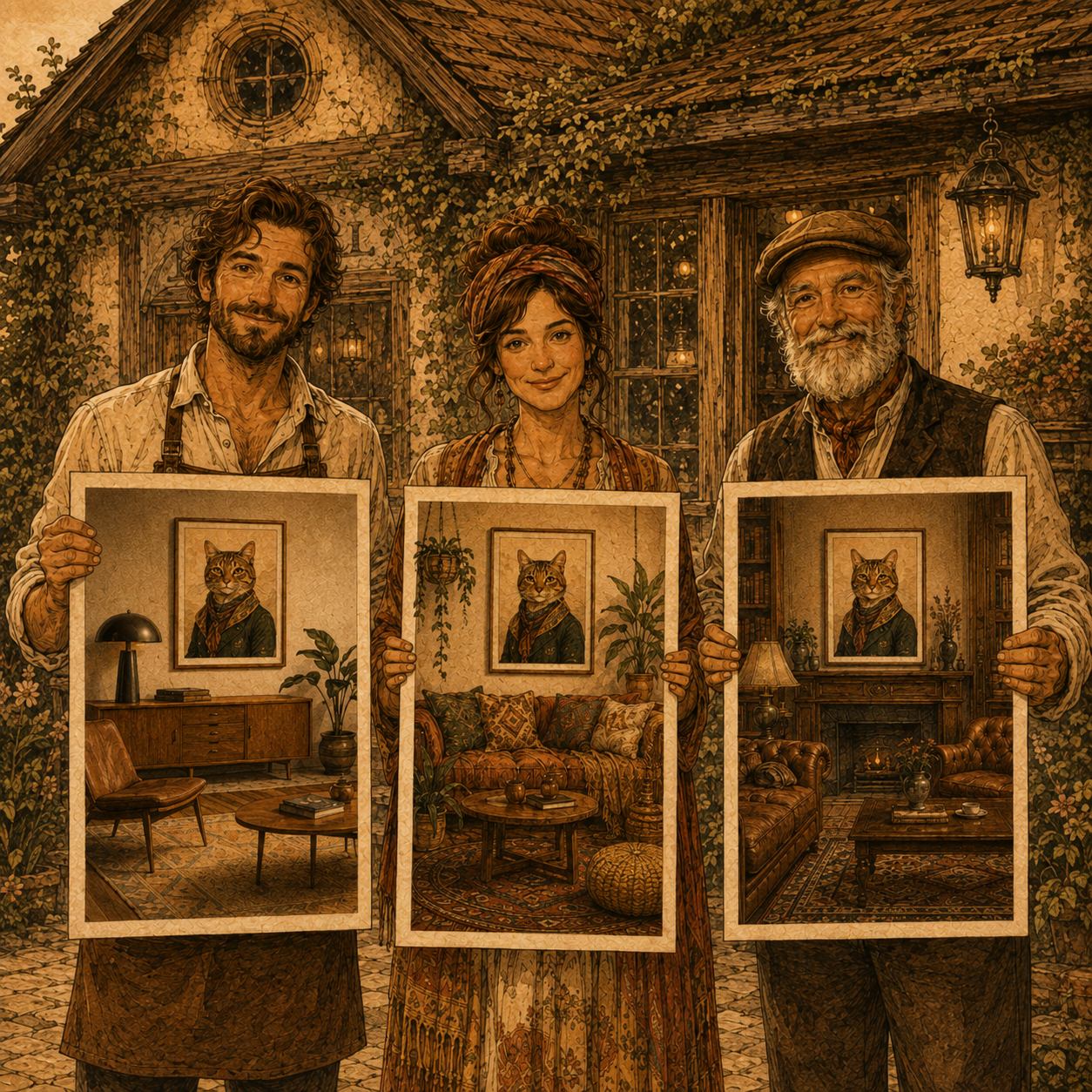
Scene styles include Japandi, Minimalist, Farmhouse, Mid-Century Modern, Bohemian, and Craftsman, staged across rooms like the bathroom, kitchen, entryway, hallway, and bedroom. You can also generate an optional square image with your art in the top two-thirds and your shop logo in the bottom third, ready to use as your first listing photo, the one a buyer sees before they ever click into the full gallery.
Replace Photoshop, Kittl, Canva, and Topaz.
What you still control
- Which scene and room fit the art’s style
- Whether you add a frame, and which one
- Which generated mockups become your actual Etsy listing photos
Spend more time on art and less on art preparation tasks.
See the real cost of a 4-tool workflow for the full math on what mockups alone were costing you before.
Generate your first mockup without opening a design tool.