Crop, upscale, mockup, list in 10 minutes

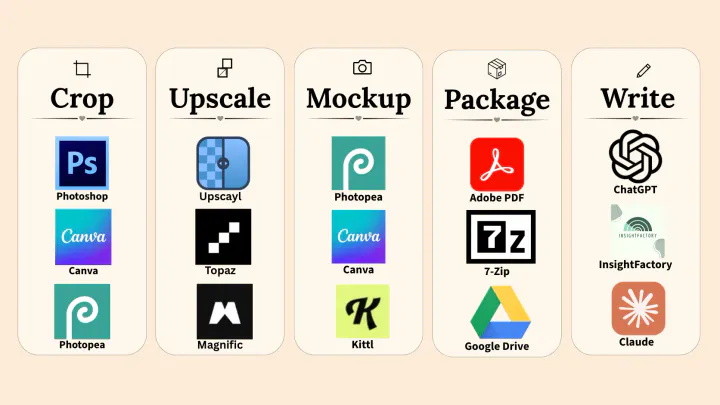
Replace Photoshop, Kittl, Canva, and Topaz.

Spend more time on art and less on art preparation tasks.

No credit card needed. You get full access from day one.

Your old printable art tools

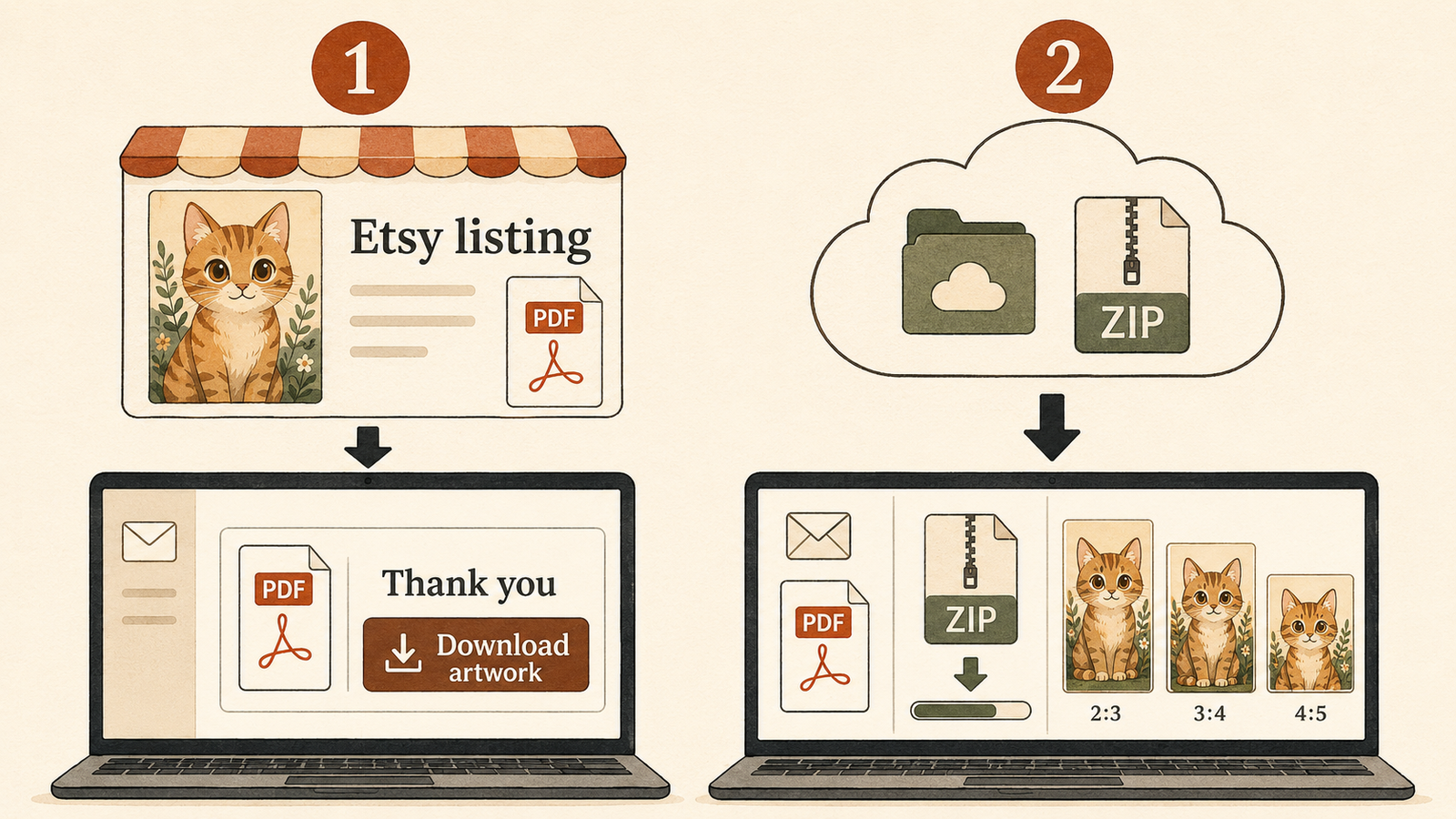
Etsy listing tool — step 1

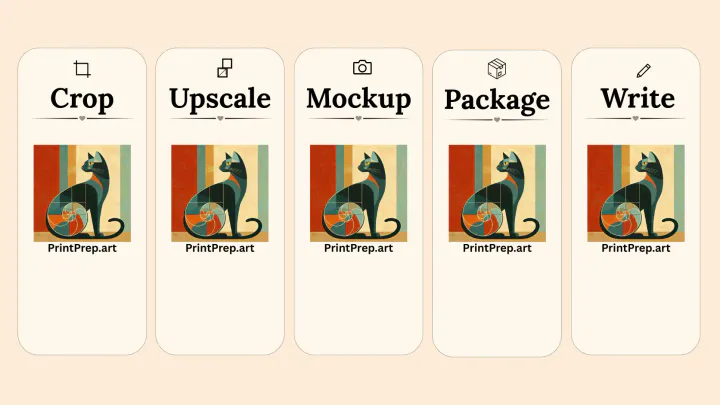
Your new printable art tool

Etsy listing tool — step 2
The problem

Sound familiar?

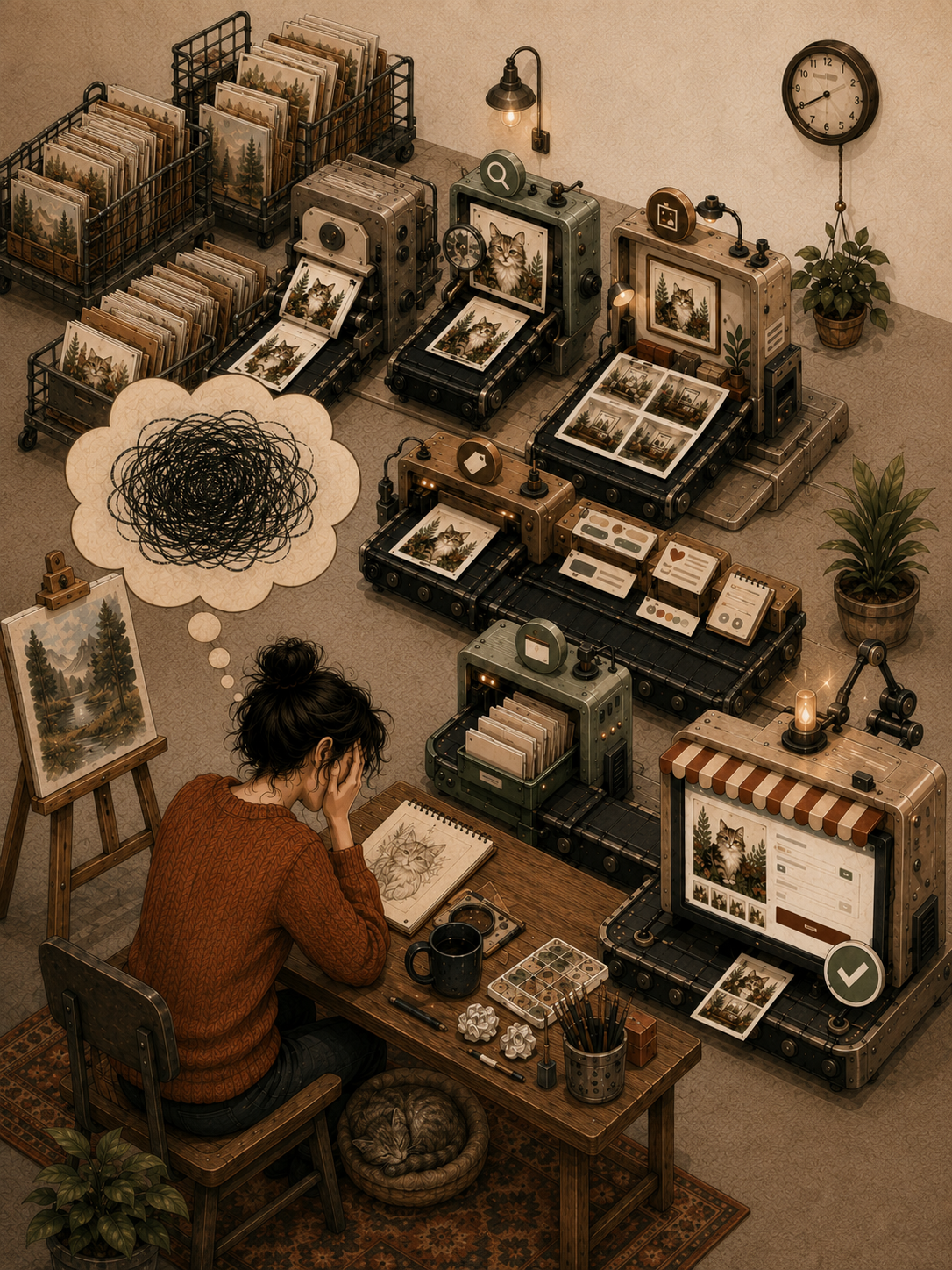
Printable art preparation workflow showing repeated listing prep work
  1. The design is the fast part.

    You finish a design in 20 minutes. Then you spend 1-2 hours getting it onto Etsy.

  2. Then the tools take over.

    You resize in Photoshop, design in Kittl, mock it up in Canva, and upscale in Topaz. Then you guess at tags, write copy in ChatGPT, and manually upload everything.

  3. The queue keeps growing.

    You have 10 more designs waiting. The prep work never ends. Your art shop isn't growing because listing prep is a full-time job. When prep takes hours for every design, you have less time to create and list new art.

You sell printable art because you love making things, not managing files.

What Printprep.art handles for you

One workflow handles the tedious parts.

01

Create a 99%-done Etsy listing

Print Prep Art

  • It writes the title, tags, and description.
  • It places the listing images.
  • It fills the category details and colors.
  • It fills the orientation and piece count.
  • It fills the price and quantity.

You review the draft, upload any video, select Etsy's production option, and publish.

02

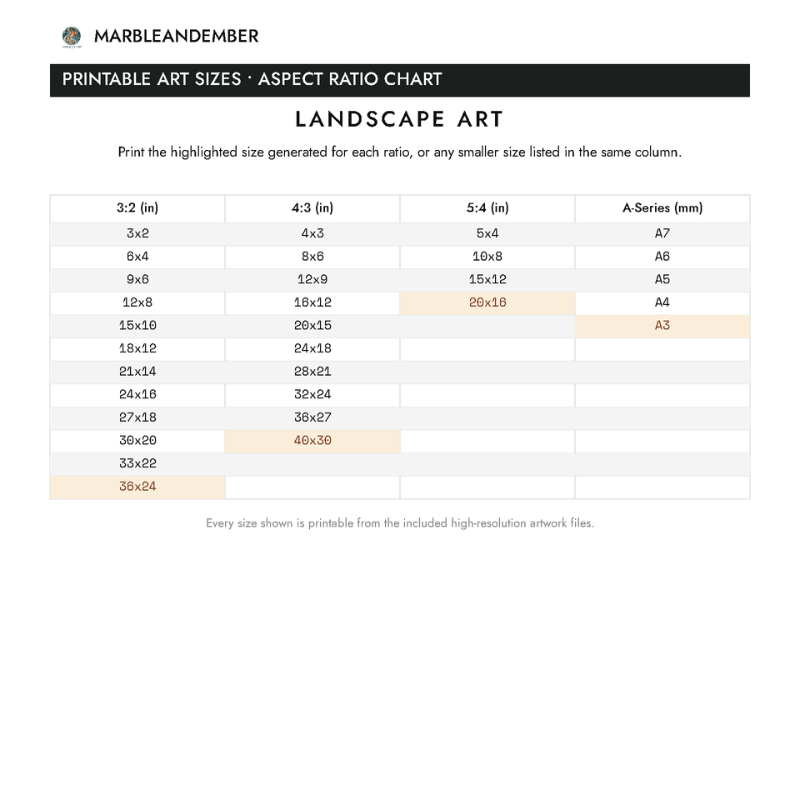
Get print-ready files in popular ratios

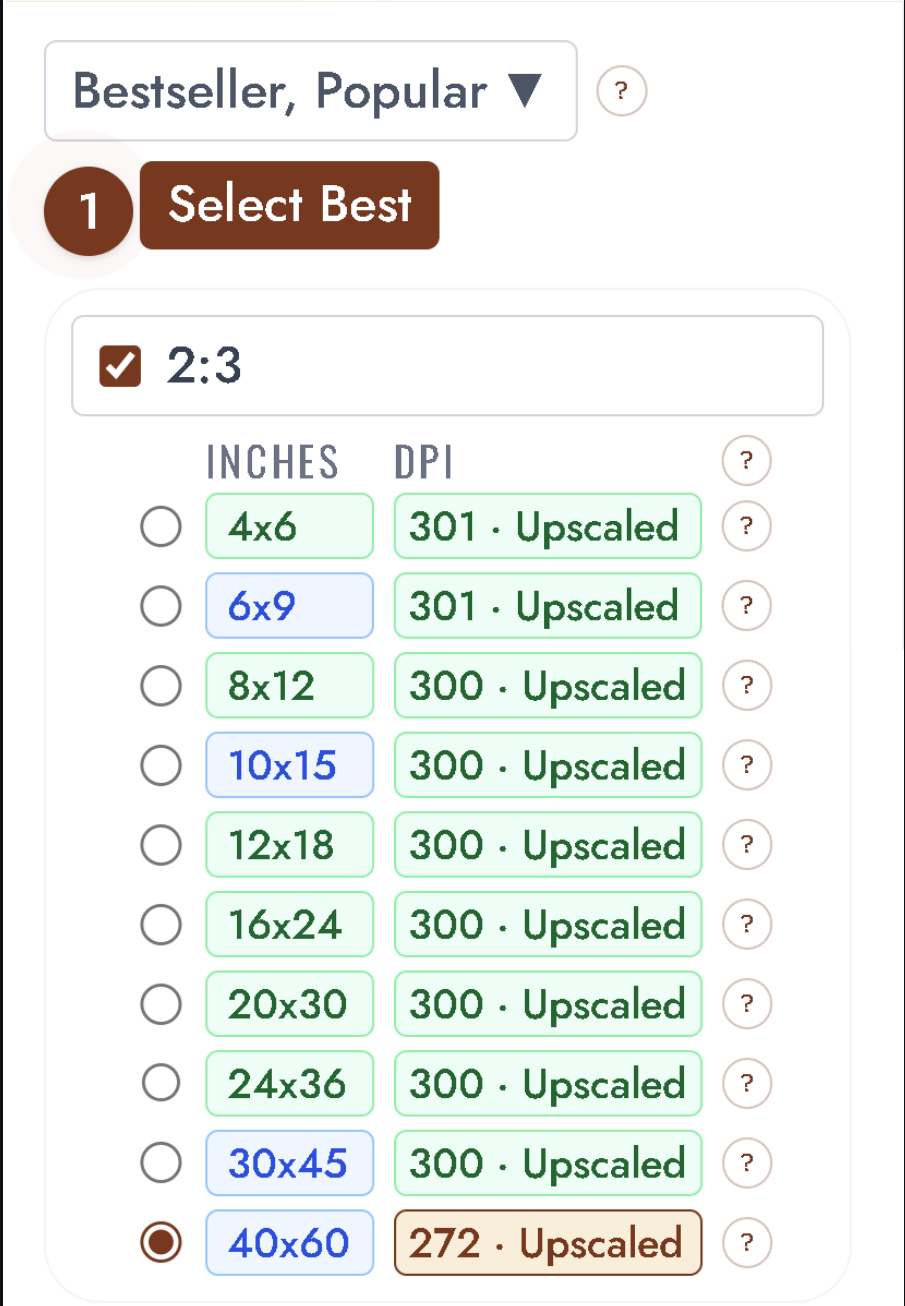
Printprep.art crops your art into popular ratios, then upscales each delivered file to its largest true-300-DPI size. Your buyer can print each file at that size or smaller.

03

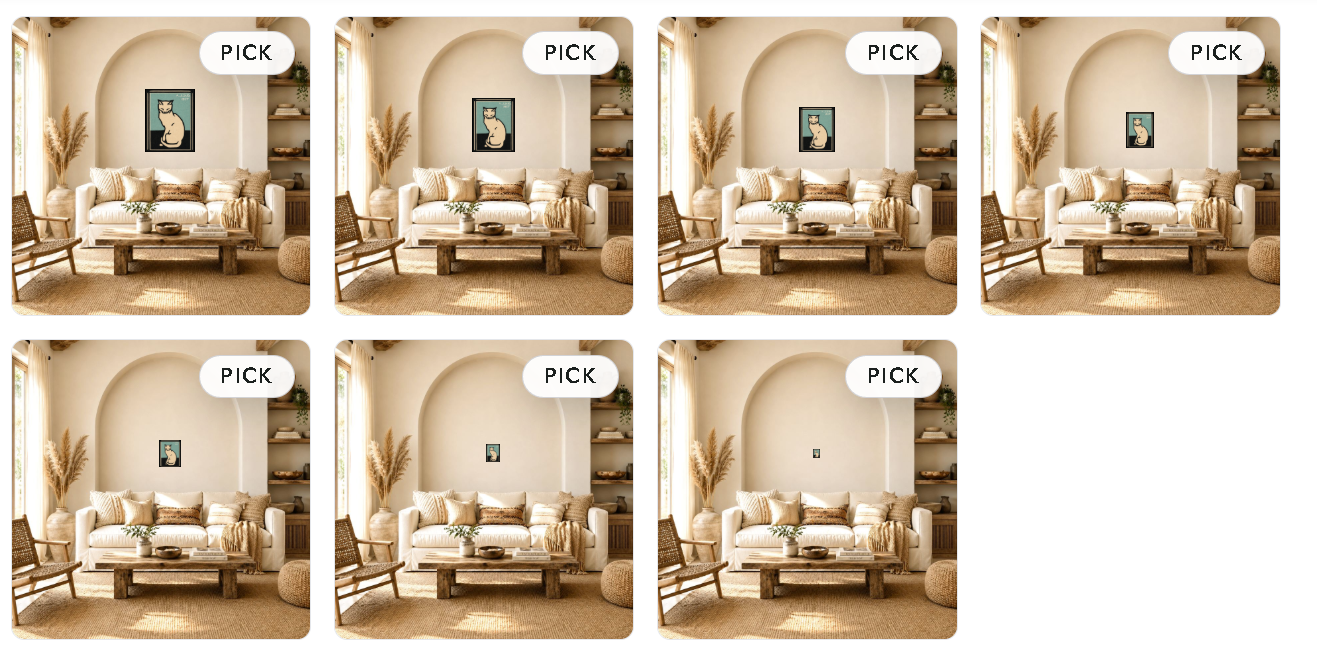
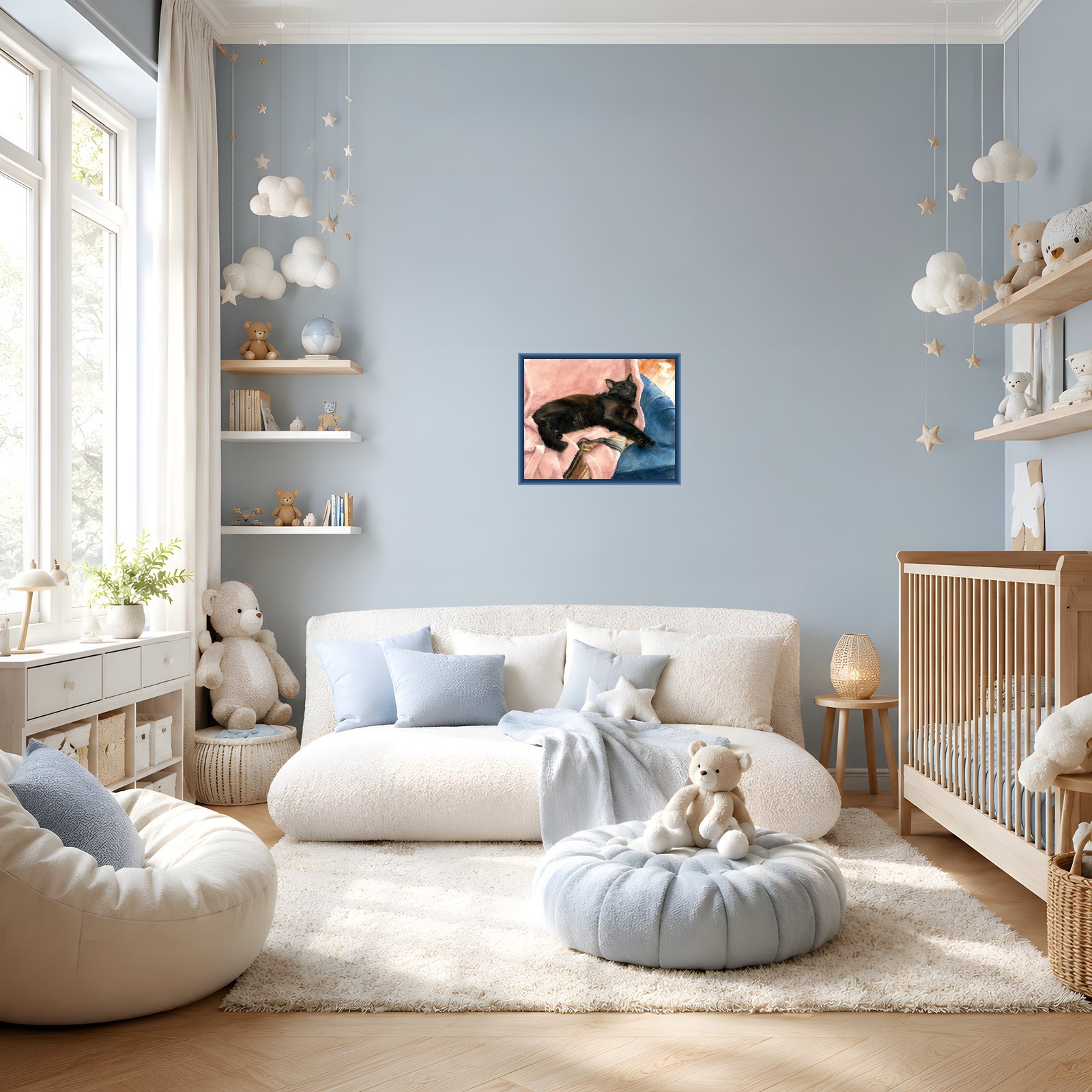
See mockups at true-to-size scale

Printprep.art places your art in interior-designed scenes at true-to-size scale, so your buyer sees how it will look in a real room.

Meet your guide
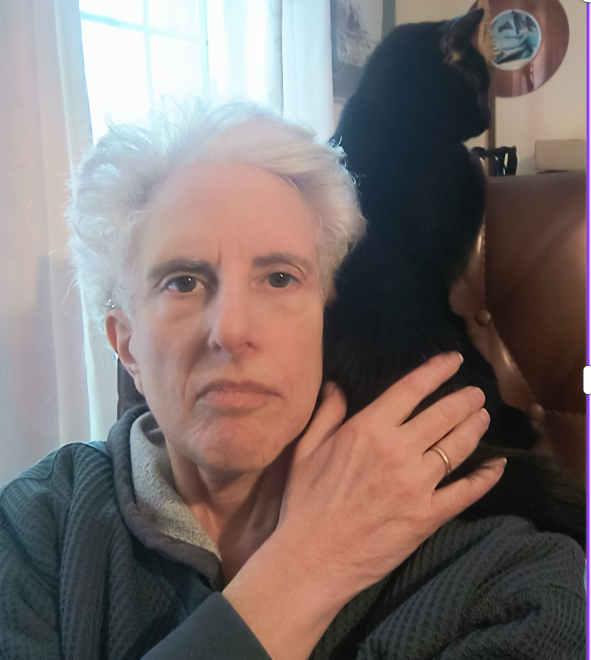
Caroline Bogart, founder of Printprep.art
"I know how exhausting it is to finish a design you love, then spend the next 1-2 hours doing prep work that has nothing to do with art."

I built Printprep.art because I hit the same wall you're hitting.

I wanted to sell cat art on Etsy. When I mapped out what it actually takes to list one piece, I realized I was building a second job: resize, upscale, mockup, write copy, upload files. Most of it was tedious busywork that a computer should automate.

So I built Printprep.art.

Now Printprep.art handles the tedious parts. Upload your art. Approve your choices. Push to Etsy. The whole workflow takes 10 minutes.

The plan

Make three decisions and get one finished listing draft.

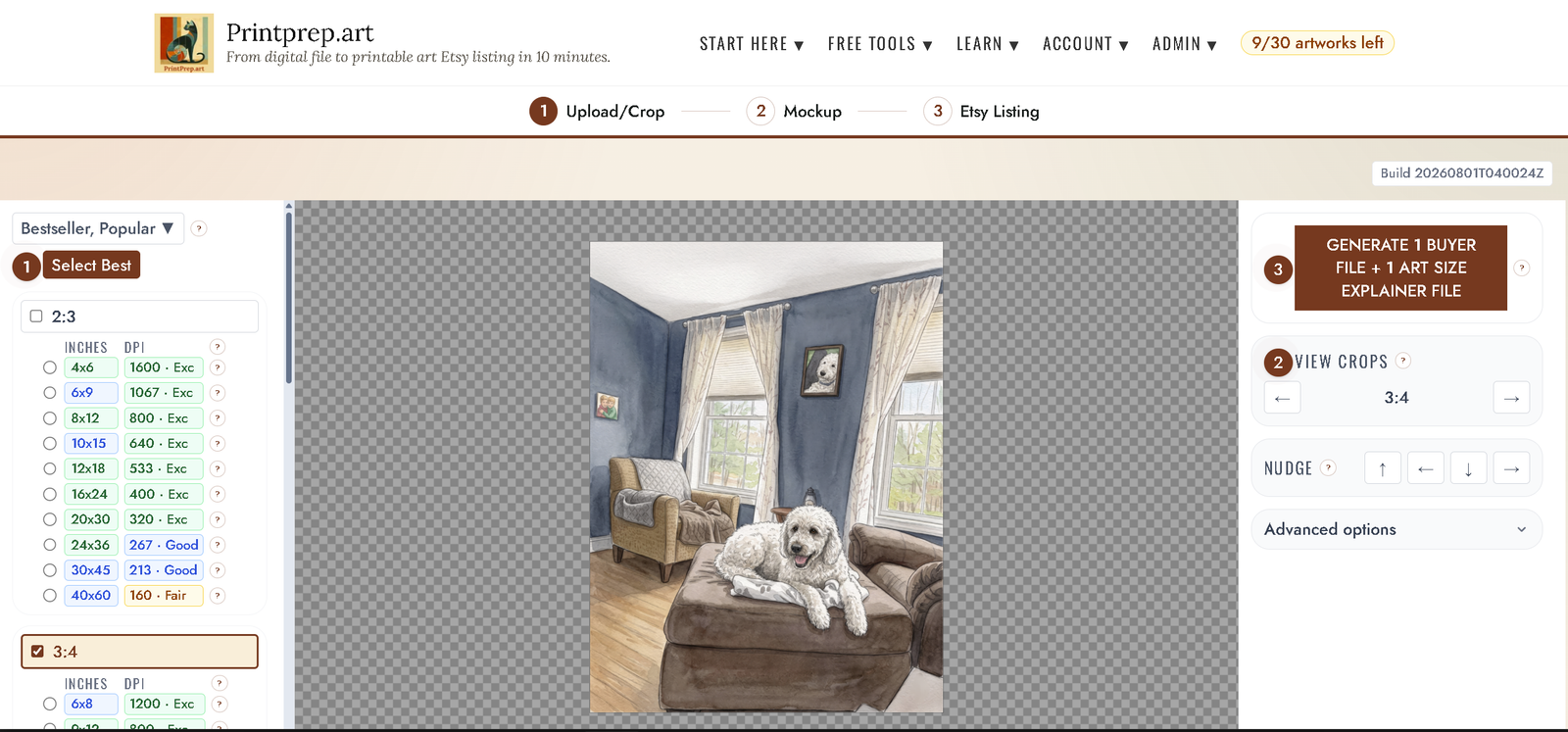
Guided crop mode recommending print sizes and upscale choices

Crop your art

You approve the crop, ratio, and size choices Printprep.art recommends.

Printable art sizes tested in a room mockup

Get your mockups

Printprep.art places your art into real room scenes at true scale.

A nearly complete printable art Etsy listing ready for review

Review your Etsy draft

Printprep.art prepares the draft. You check it, complete Etsy's final choices, and publish.

How it works

You upload one art file. You get one Etsy listing draft.

Most sellers complete the entire workflow in 10 minutes.

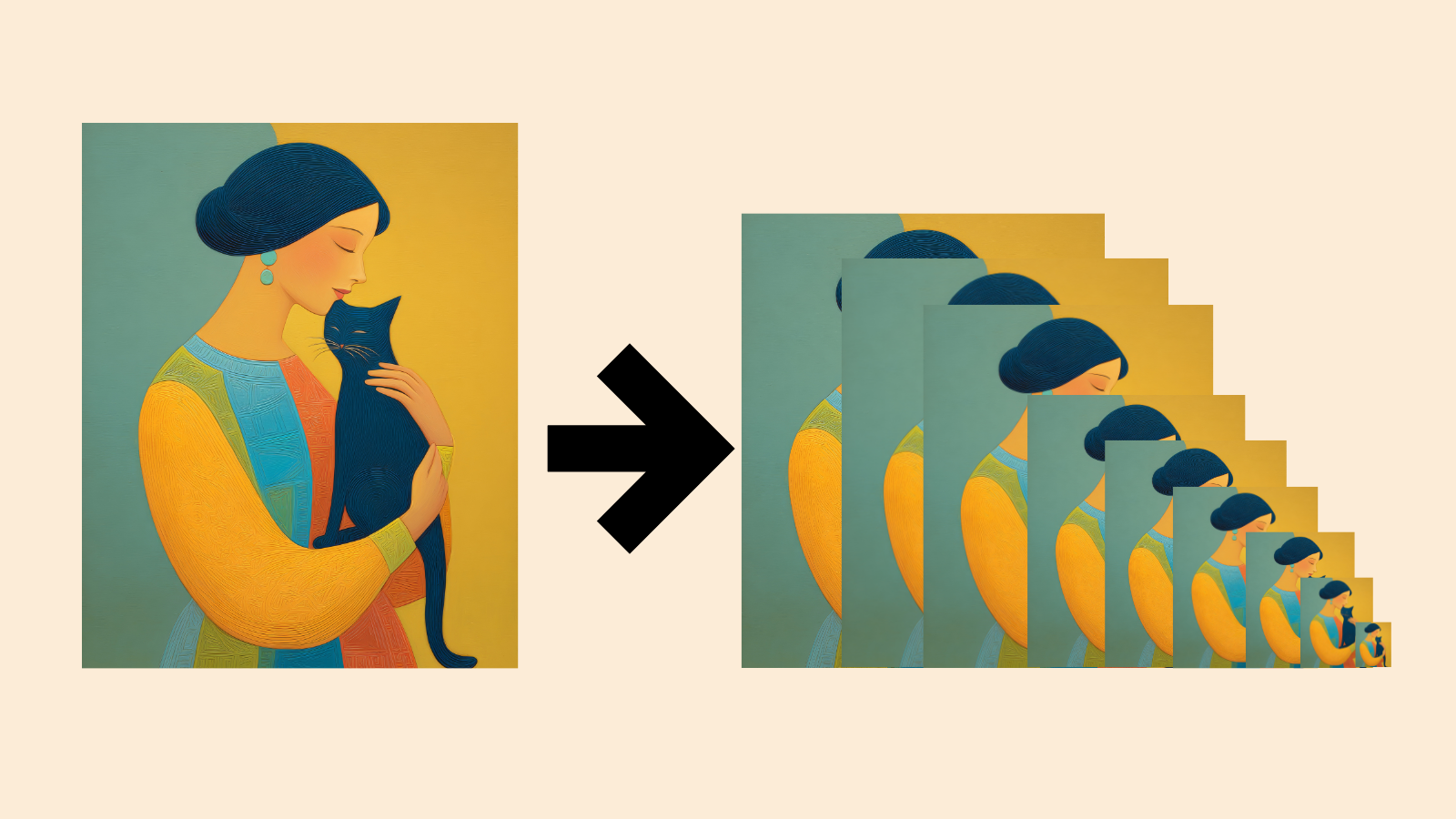
Side-by-side comparison of print sizes from 30x40 inches down to 5x7, showing the same artwork at each ratio
Printprep.art names every file with the ratio, dimensions in inches, and pixel dimensions so you and your buyer always know exactly what they have.
How Printprep.art makes your print files

Printprep.art delivers every print-ready file at true 300 DPI.

Printprep.art calculates the resolution of your artwork and tells you exactly which sizes hit 300 DPI.

When your source needs more resolution, Printprep.art can upscale it so more sizes qualify as print-ready.

You select the ratios and sizes you want from researched Bestseller and Popular sizes. Printprep.art crops, names, and exports one largest true-300-DPI file for each ratio.

You also get a size explainer showing your buyers which sizes print from your files.

See every ratio and size Printprep.art supports →
Choose from 47 frame colors. Every color is available in widths from 1/16 inch through 3 inches, increasing in 1/16-inch steps. You can also leave the art unframed.
How Printprep.art makes your listing photos

Printprep.art shows your art hanging in real rooms, at true proportion.

Printprep.art generates to-scale wall mockups showing your art at true room scale.

Your art hangs at 57 inches from the floor, at the exact proportions of each room.

Printprep.art calibrates every scene mathematically so your art looks like it actually belongs there. Buyers see exactly what they're getting, with no guessing and no surprises.

You get up to 20 listing photos across different room styles and layouts.

Branded buyer download PDF with shop logo and download button linking to art files on Google Drive
You add your logo, shop name, and button color. You click a few buttons to connect your Google Drive. After that, Printprep.art handles all the art packaging and buyer delivery.
How digital, printable art delivery works

Your buyer receives their files automatically.

Printprep.art packages your high-resolution art files in a Zip with a size explainer showing which sizes will print.

Printprep.art stores everything on your Google Drive.

Then Printprep.art generates a branded PDF with your shop name and logo, a picture of the art, and a download button in your chosen color.

When you make a sale, Etsy sends your customer this PDF. Your buyer opens it, clicks the download button, and receives their art files and size guide.

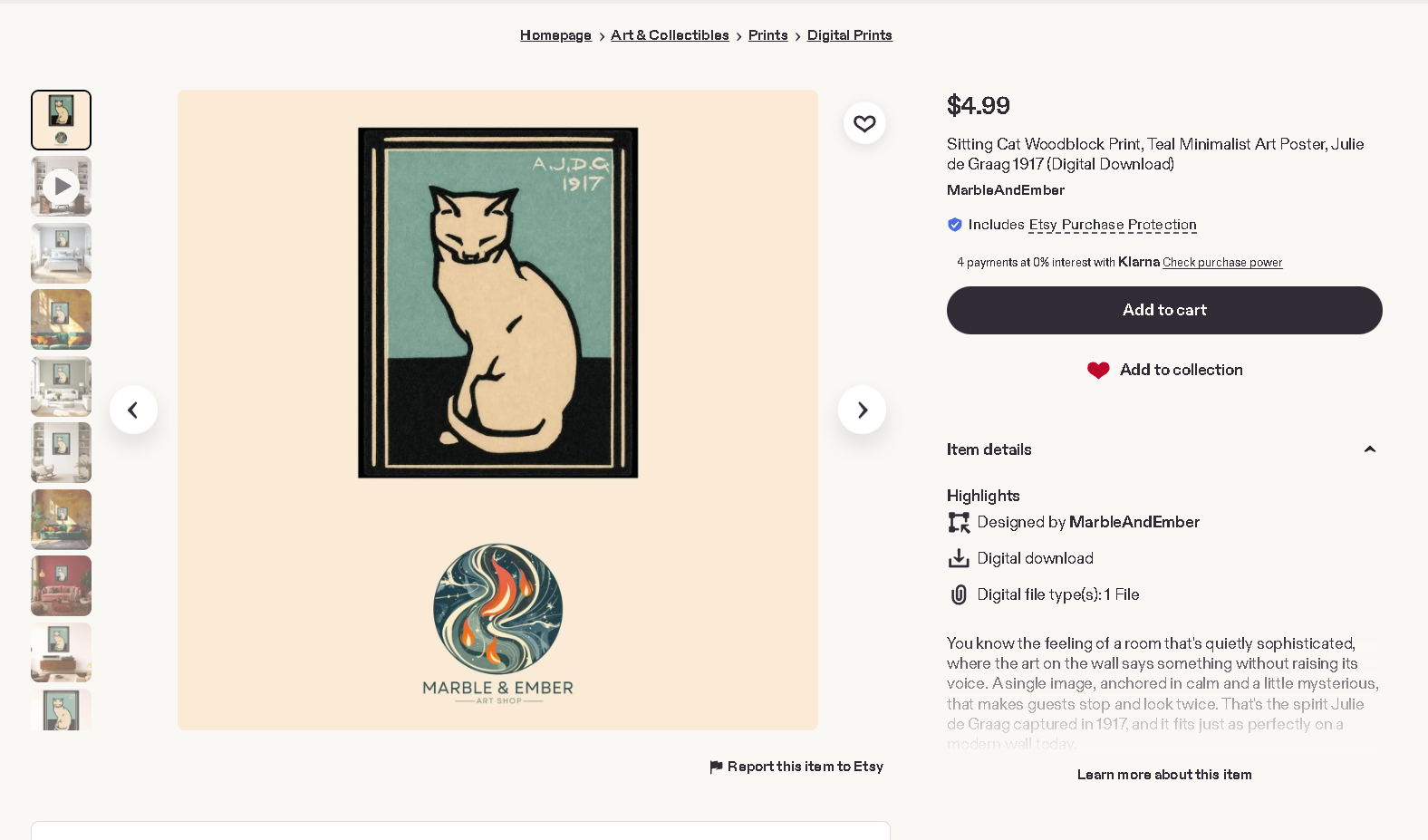
A nearly complete printable art listing generated for Etsy
You review every field, upload any video, complete Etsy's production choice, and publish when the draft looks right.
How Printprep.art writes your Etsy listing

Printprep.art prepares the copy and product details for your Etsy draft.

The Etsy Listing tool uses your art, product facts, keyword context, and any instructions you provide.

Printprep.art writes the title, tags, and description, then fills the supported listing details.

It tells your buyers exactly which files they're getting and which smaller sizes will print from those ratios.

What you walk away with
Start with your art file, leave with
From your first session
  • 8 portrait, 5 landscape, or 1 square high-res files at 300+ DPI in research-backed sizes
  • A size explainer image Printprep.art generates automatically, showing every size your buyer can print
  • Up to 20 listing photos across Bohemian, Farmhouse, Japandi, Coastal and more scenes
  • An Etsy draft with title, tags, description, images, and product details
After connecting Etsy & Drive
  • A primary listing image with your store name and logo, sized for Etsy
  • Printprep.art pushes your buyer files to Google Drive automatically
  • A branded PDF with your logo and a buyer download button
  • Printprep.art loads your mockups into Etsy listing slots
What this looks like in practice
Generated size explainer for print-ready buyer files
Crop, resize, upscale
Square nursery mockup showing the finished wall art print
Mockup
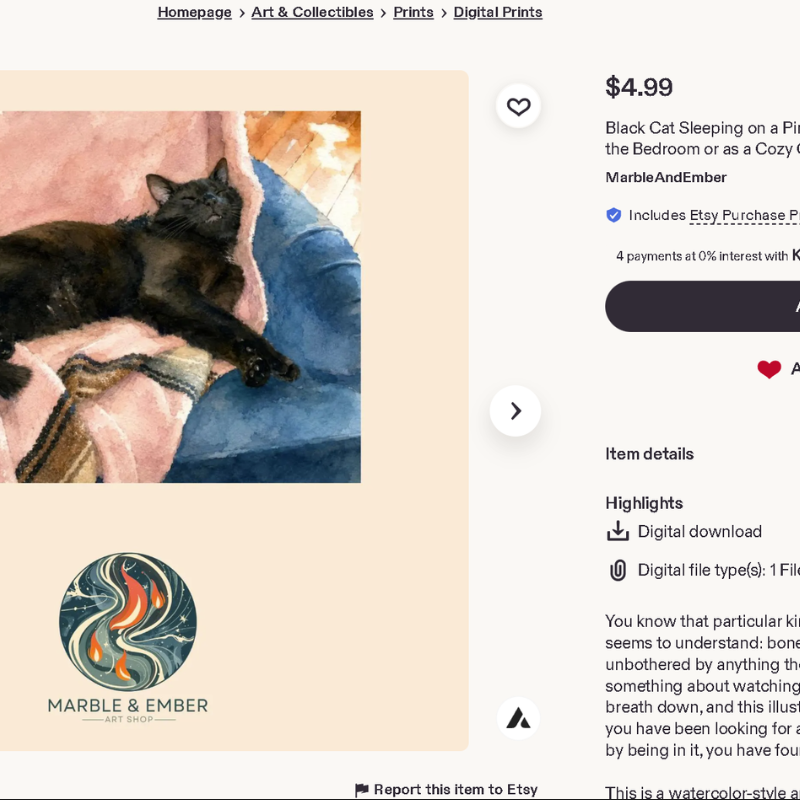
Etsy listing title and description generated for the art
Etsy listing
The full picture

At Printprep.art, I know you want to spend your time making great art. To do that, you need a fast, reliable way to turn every finished design into an Etsy listing draft.

The problem is that prepping each listing takes 1-2 hours of resizing, upscaling, mocking up, and writing copy, which makes you feel like busywork is stealing your creative time. You're spending 1-2 hours on prep for every listing. We handle the tedious parts so you can list more art for sale.

I believe every maker deserves to spend her time creating, not preparing. I understand how draining it is to finish a design and then face hours of prep work, which is why I built Printprep.art to handle every step of the listing process for you.

Here is how it works: Upload your art and approve your crops. Printprep.art generates the print files, size explainer, mockups, buyer delivery, copy, and supported listing details. Your listing is ready. You review the draft and publish it.

Start your free account today. And in the meantime, download the free Printable Art Listing Checklist so you can stop spending hours on prep work and instead list more art in much less time.

No credit card needed

Start listing today and keep more of your creative time for art.

From digital file to printable art Etsy listing in 10 minutes. You don't manually crop. You don't juggle tools. You don't deal with prep work stress.

  • You crop, mock up, and prepare your Etsy draft in one tool.
  • You get Etsy listing copy based on your art and product details.
  • AI upscaling is available when your source needs more resolution.
  • You generate up to 20 listing photos per run.
  • You skip the manual resizing, mockup design, and keyword research.
Printprep.art guided workflow from crop to mockup to Etsy listing
Good questions

Sellers frequently ask these questions.

Upsizing stretches existing pixels and can look blotchy at large sizes. Printprep.art can use AI upscaling to add resolution when a selected print size needs it.

Free download

The Printable Art Listing Checklist

This checklist covers every step from finished design to Etsy listing. Nothing slips through the cracks. It covers file sizes, DPI requirements, mockup specs, and the copy elements Etsy buyers expect.